



← Back /blog/Comment to DM Funnels

How To Set Up Comment to DM Funnels on Instagram: The 2025 Playbook

Author profilewritten by Marko Filipovic | @automatewithmarko
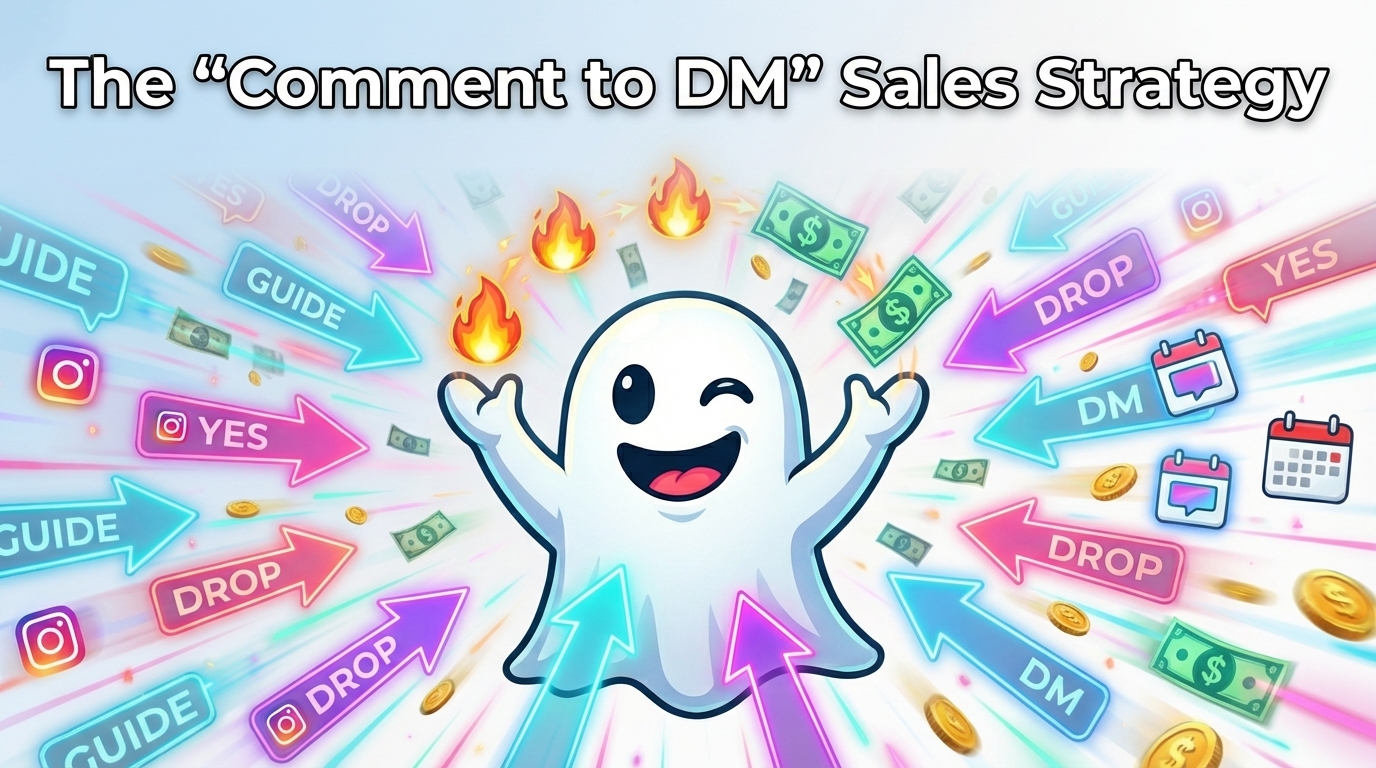
Comment to DM Funnels cover

Every comment on your post is a hand raised. Someone is literally putting their hand up and saying, "I'm interested." The fastest way to turn that tiny moment into real outcomes is to move the conversation into the DMs, deliver what you promised in seconds, ask one clear question, and guide them to a simple next step like a booked call, a waitlist, or a deeper resource. That's exactly what this playbook is about: turning comment noise into predictable conversations and sales.

Why "Comment to DM" Works So Well

Comment to DM funnels work because they are perfectly aligned with how people actually behave on Instagram. Timing is everything. When someone comments, they've just engaged with you, which means their intent is fresh. In that moment, they care, they're curious, and they're more open to taking action than they will be five minutes later after scrolling past ten more posts. Your funnel lets you meet them right at that peak of curiosity.

Privacy is the second big unlock. A lot of people don't want to ask detailed or "dumb" questions publicly under a post. Inside a one-to-one chat, it suddenly feels safe to ask, "Is this right for me?" or "Will this work for my niche?" That sense of privacy builds trust fast, and trust is what converts.

Then there's friction. A short DM that pops up with exactly what they asked for, plus a couple of buttons to tap, will always beat a cold "link in bio" they have to hunt down and click. Instead of making them stop scrolling, you let them keep doing what they're already doing: chatting on Instagram. Keep it simple. One line to deliver what you promised. One question to qualify where they are. Two buttons to route them to the right next step.

The Structure Of a High-Converting DM funnel

A strong comment to DM funnel is made of a few simple moving parts that work together. It all starts with the trigger. This could be a comment on a Reel, a reply to a Story, a DM with a specific keyword, or even an intent that your AI detects from a free-form message. As soon as that trigger fires, your funnel sends the first DM. That first message should do two things instantly: deliver the thing you promised and ask a single, clear question to move the conversation forward.

From there, you qualify. Instead of asking people to type long answers, you use two clean buttons that reveal intent in one tap. Maybe one button says they're actively working on the problem right now, and the other says they are just exploring. Their tap tells you exactly how serious they are and how fast you can move.

Once you know who is who, you route. Serious, ready-to-go leads might see a calendar link to book a call, a short application form, a waitlist, or a resource link tailored to their goal. People who are earlier in the journey can be sent a short breakdown, summary, or starter guide. You follow up with one gentle nudge within the safe messaging window, and then you stop so you don't feel spammy. Behind the scenes, you capture data. You store their email or phone number, tag the contact based on their choices, and set yourself up for smarter targeting in the future.

BooSend gives you every single piece of this puzzle right out of the box. You get Comment and Story triggers, a visual builder to map out your message flows, an AI Agent that can read your Knowledge Base and respond in context, an AI Extractor that pulls out emails and phone numbers automatically, and native integrations with tools like Google Sheets and Google Calendar so nothing falls through the cracks.

Funnel 1: Comment for the guide

The first funnel is perfect for any how-to post, checklist, or educational content you share. At the end of the content, you invite people to comment a keyword if they want the guide. As soon as they do, your DM sequence kicks in. The first message might say something like, "Here is your guide. Quick one, are you working on this right now?" and then present two buttons: "Yes" and "Just exploring."

If they tap Yes, you treat them like a warm lead and invite them to pick a next step. Your next message could say, "Pick a next step," with buttons like "Book a 15 min call" or "Send a 3 step summary." One option gives them a direct path to you, the other gives them a lighter commitment that still moves them forward.

If they tap Just exploring, you don't push. Instead, you can ask, "Want weekly tips that build on this?" and present a simple "Subscribe" button. That click can add them to your email list or a nurture sequence.

This funnel works because instant delivery creates goodwill immediately. You promised a guide, and you delivered it without making them hunt for it. The yes-or-no question pulls out their intent without making them think too hard, and the buttons keep momentum going instead of letting the conversation die in the inbox.

Funnel 2: Case study teaser

The second funnel is built around proof. Whenever you post a case study, testimonial, or transformation story, you can invite people to comment if they want the full breakdown. When they do, the first DM might say, "Want the full breakdown for a business like yours?" along with two buttons: "Send it" and "Curious, not urgent."

If they hit Send it, you know they are leaning in. Your next message can ask, "Which goal fits you right now?" and give them options such as "Book more calls" or "Grow email list." Each choice routes them to a different experience: maybe a short how-to tailored to that goal, a calendar link where they can book a strategy call, or a waitlist for your program that helps exactly with that outcome.

If they pick Curious, not urgent, you can still send a lighter version of the breakdown and add them to a softer nurture flow instead of pushing a call. This funnel works because the proof in your content sparks interest, and then the goal choice in the DM personalizes their path. They don't feel like they are being pushed through a generic funnel; they feel like they are choosing their own adventure.

Funnel 3: Giveaway or drop

The third funnel is designed for freebies, giveaways, or limited drops. When you run a giveaway post or tease a new drop, you can ask people to comment if they want in. Once they do, your first DM might say, "You are in. Want a starter checklist today and a reminder for the next drop?" with two buttons: "Yes" and "No thanks."

If they tap Yes, the automation sends the link to the checklist, tags the contact appropriately, and sets up a reminder a day before your next drop. You've now turned a quick moment of excitement into a tagged, trackable contact with a clear interest.

This funnel works because the promise is clear, the ask is tiny, and the follow-through is simple. You tell them exactly what they'll get now and what they'll get later, and then you deliver without fuss.

Copy bank you can paste today

To make building these funnels faster, it helps to keep a bank of phrases you can just drop into your DMs. For openers, you can use lines like, "Here is the resource you asked for. Quick one, are you working on this right now?" or "Thanks for jumping in. Want the full breakdown or a quick summary?" These messages both deliver value and immediately move into a question.

For qualifier buttons, simple options work best. You can use pairs like "Working on it" and "Just exploring," or "Send it" and "Give me the summary." These short phrases are easy to understand and map neatly to different routes in your funnel.

For next steps, your buttons can say things like "Book a call," "Add me to waitlist," "Show me steps," or "Send the checklist." Each button represents a clear, concrete action, so the person never has to guess what happens if they tap.

Your gentle follow up can be as simple as, "Still want help on this, or should I close the loop for now?" It's polite, it gives them an easy out, and it keeps you from sounding pushy. For a friendly opt out, you can say, "If this is not helpful, reply stop and I will close the thread." That kind of language makes people feel safe engaging with you because they know they can easily tap out.

Creative prompts for your captions

Your caption is what fills your funnel in the first place, so your prompts need to be clear and easy to act on. You can use lines like, "Comment GUIDE to get the checklist I use for X," or "Comment BREAKDOWN if you want the step by step from today's Reel." For launches or drops, you might say, "Comment DROP if you want in on the next release with a starter checklist today," and for more strategic content, "Comment MAP if you want a 3 step plan for your niche."

The pattern is always the same: one short keyword and one specific promise. Short words win here because they are easier to type and less likely to be misspelled. It's also smart to avoid punctuation that could confuse keyword matching. Keep your trigger words clean and simple so BooSend can catch them reliably.

How BooSend powers this entire playbook

All of this becomes ten times easier when the tech just works for you in the background, and that's what BooSend is built to do. Inside BooSend, you can set up Instagram triggers that fire when someone comments on a Reel or Live, replies to a Story, sends a DM with a keyword, or when the AI detects buying intent in a message. Those triggers feed directly into a visual builder where you can drag nodes, send text or media, add buttons, add delays, and create branching paths based on what people tap or say.

The AI Agent can handle multi-turn conversations, follow clear steps you define, read from your Knowledge Base so answers are on brand, log data to Google Sheets, and even create calendar events for booked calls. The AI Extractor quietly pulls emails, phone numbers, names, and any custom fields you care about into the contact profile so you are not copying and pasting data by hand.

Inside the Contacts and Conversations view, you can see full history, tags, and active sessions so your team can jump into hot conversations in real time if needed. If you want to add an extra human touch, you can connect ElevenLabs and drop in short, human-sounding voice notes without recording every single one yourself. On top of that, the Content Calendar lets you schedule posts that point directly to your keyword triggers, so your funnels stay fed without you manually posting every day.

Everything lives in one place so you can launch your comment to DM funnels, watch responses come in, and keep tuning the flows until they feel like an extension of how you naturally talk. Once it's set up, your audience keeps commenting, your BooSend automations keep replying, and your DMs quietly become one of the most consistent sales channels in your business.